
- Pygame - Home
- Pygame - Overview
- Pygame - Hello World
- Pygame - Display modes
- Pygame - Locals module
- Pygame - Color object
- Pygame - Event objects
- Pygame - Keyboard events
- Pygame - Mouse events
- Pygame - Drawing shapes
- Pygame - Loading image
- Pygame - Displaying Text in Window
- Pygame - Moving an image
- Pygame - Moving with Numeric pad keys
- Pygame - Moving with mouse
- Pygame - Moving Rectangular objects
- Pygame - Use Text as Buttons
- Pygame - Transforming Images
- Pygame - Sound objects
- Pygame - Mixer channels
- Pygame - Playing music
- Pygame - Playing Movie
- Pygame - Using Camera module
- Pygame - Load cursor
- Pygame - Access CDROM
- Pygame - The Sprite Module
- Pygame - PyOpenGL
- Pygame - Errors and Exception
Pygame Useful Resources
PyGame - Hello World
First step is to import and initialize pygame modules with the help of init() function.
import pygame
pygame.init()
We now set up Pygame display window of preferred size, and give it a caption.
screen = pygame.display.set_mode((640, 480))
pygame.display.set_caption("Hello World")
This will render a game window which needs to be put in an infinite event loop. All event objects generated by user interactions such as mouse movement and click etc. are stored in an event queue. We shall terminate the event loop when pygame.QUIT is intercepted. This event is generated when user clicks the CLOSE button on the title bar.
while True:
   for event in pygame.event.get():
      if event.type == pygame.QUIT:
         pygame.quit()
Example - PyGame Window with Hello World Caption
Complete code for displaying Pygame window with Hello World caption is as follows −
main.py
import pygame, sys

pygame.init()
screen = pygame.display.set_mode((640, 480))
pygame.display.set_caption("Hello World")
while True:
   for event in pygame.event.get():
      if event.type == pygame.QUIT:
         pygame.quit()
         sys.exit()
Output
Save above script as main.py and run to get following output −
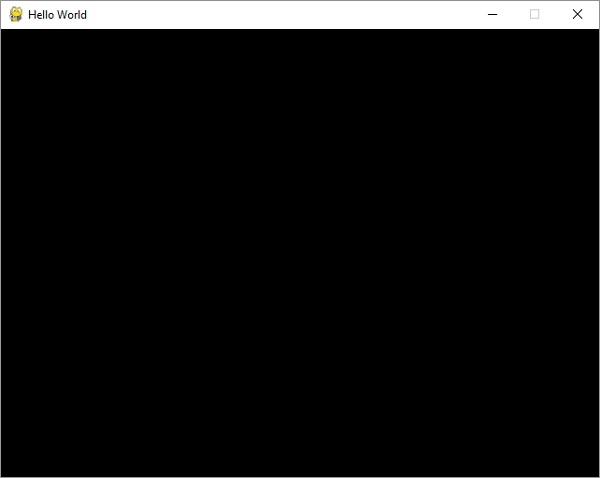
This window will be closed only if the close (X) button is clicked.
Advertisements