- Next.js - Home
- Next.js - Overview
- Next.js - Project Setup
- Next.js - Folder Structure
- Next.js - App Router
- Next.js - Page Router
- Next.js Features
- Next.js - Pages
- Next.js - Data Fetching
- Next.js - ISR
- Next.js - Static File Serving
- Next.js - Pre-Rendering
- Next.js - Partial Pre Rendering
- Next.js - Server Side Rendering
- Next.js - Client Side Rendering
- Next.js Routing
- Next.js - Routing
- Next.js - Nested Routing
- Next.js - Dynamic Routing
- Next.js - Parallel Routing
- Next.js - Imperative Routing
- Next.js - Shallow Routing
- Next.js - Intercepting Routes
- Next.js - Redirecting Routes
- Next.js - Navigation and Linking
- Next.js Configuration
- Next.js - TypeScript
- Next.js - Environment Variables
- Next.js - File Conventions
- Next.js - ESLint
- Next.js API & Backend
- Next.js - API Routes
- Next.js - Dynamic API Routes
- Next.js - Route Handlers
- Next.js - API MiddleWares
- Next.js - Response Helpers
- Next.js API Reference
- Next.js - CLI Commands
- Next.js - Functions
- Next.js - Directives
- Next.js - Components
- Next.js - Image Component
- Next.js - Font Component
- Next.js - Head Component
- Next.js - Form Component
- Next.js - Link Component
- Next.js - Script Component
- Next.js Styling & SEO
- Next.js - CSS Support
- Next.js - Global CSS Support
- Next.js - Meta Data
- Next.js Advanced Topics
- Next.js - Error Handling
- Next.js - Server Actions
- Next.js - Fast Refresh
- Next.js - Internationalization
- Next.js - Authentication
- Next.js - Session Management
- Next.js - Authorization
- Next.js - Caching
- Next.js - Data Caching
- Next.js - Router Caching
- Next.js - Full Route Caching
- Next.js - Request Memoization
- Next.js Performance Optimization
- Next.js - Optimizations
- Next.js - Image Optimization
- Next.js - Lazy Loading
- Next.js - Font Optimization
- Next.js - Video Optimization
- Next.js - Script Optimization
- Next.js - Memory Optimization
- Next.js - Using OpenTelemetry
- Next.js - Package Bundling Optimization
- Next.js Testing
- Next.js - Testing
- Next.js - Testing with Jest
- Next.js - Testing with Cypress
- Next.js - Testing with Vitest
- Next.js - Testing with Playwright
- Next.js Debugging & Deployment
- Next.js - Debugging
- Next.js - Deployment
- Next.js Useful Resources
- Next.js - Interview Questions
- Next.js - Quick Guide
- Next.js - Useful Resources
- Next.js - Discussion
Next.js - Directives
What are Directives?
Directives are special comments that are used to tell Next.js how to handle a specific part of the application. In general, it is used to specify a component to be rendered on the client-side. Following all the directives used in Next.js:
Client and Server Components
Next.js provides two types of components, client components and server components. Client components are components that are executed and rendered on the client-side. Use client components if you want:
- Interactive UI that require client-side JavaScript
- Component that include state management
- Component that include event handling, and access to browser APIs.
Server components are components that are executed on the server-side and rendered on the client-side. We can use Next.js directives to specify which components should be executed on the client-side or server-side. Use server components if you are want:
- Component that include database queries
- Component that include API calls
- Component that include business logic
Create a Client Component
As mentioned above, client components are components that are rendered on the client-side. Which means the server will not sent a pre built HTML file for the component. Instead, the server will send a JavaScript file that will be executed on the client-side to make HTML file.
Example
To create a client component, you need to add the "use client" directive at the top of the component file. See the code below.
// /app/counter/page.tsx

"use client"

import { useState } from 'react'

export default function Hello() {
  const [count, setCount] = useState(0)

  return (
    <div>
        <h1>Hello, world!</h1>
        <p>You clicked {count} times.</p>
        <button onClick={() => setCount(count + 1)}>
            Click me
        </button>
    </div>
  )
}
Output
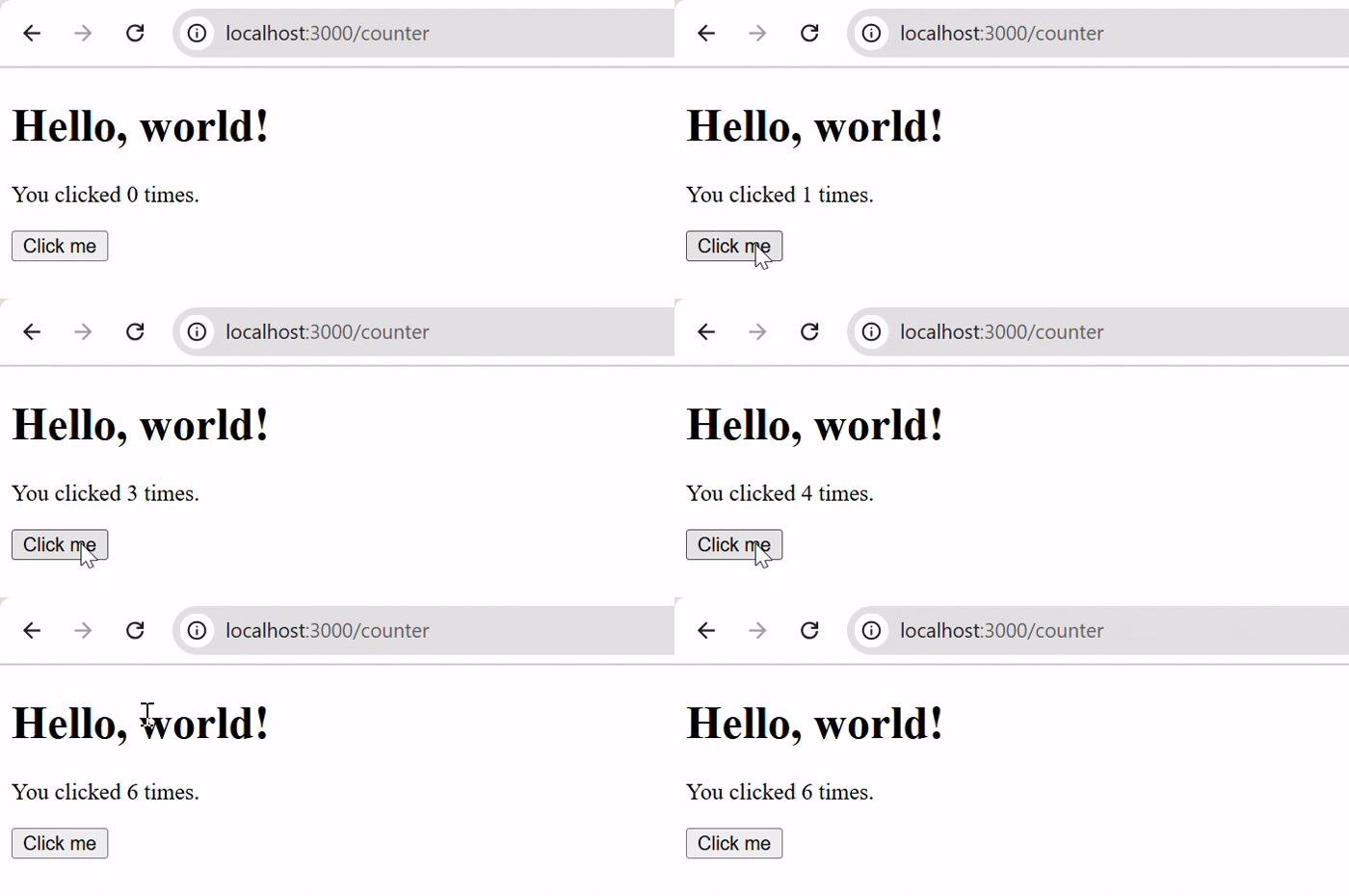
The image below shows the output of the code above. Code that include interactive UI will be executed on the client-side.
Create Server Component
To create a server component, you need to add the "use server" directive at the top of the component file. See the code below.
Example
In the code below, we have a server component that fetches data from a database.
// /app/api/action.ts

'use server'

export async function fetchData() {
    let data = await fetch('https://jsonplaceholder.typicode.com/users', {
      cache: 'force-cache'
    }).then(res => res.json())
    return data
}
Output
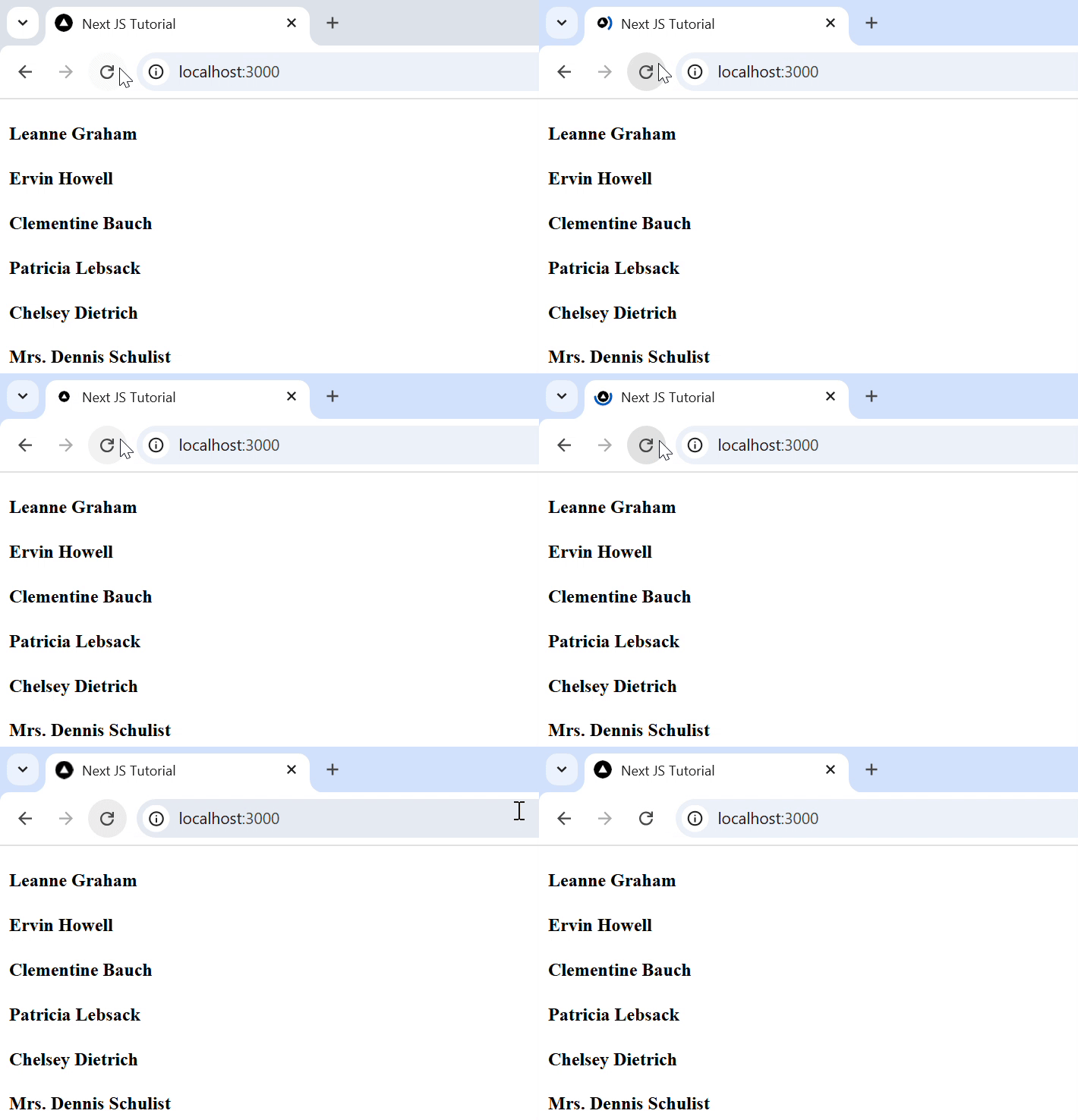
The image below shows the output of the code above. Code that include database queries will be executed on the server-side.