
- Malware Removal - Home
- Malware Removal - Overview
- Malware Removal - How It Works
- Malware Removal - Types
- Detection Techniques
- Preparation for Removal
- Malware Removal - Process
- Malware Removal - Protection
- Malware Removal - Removal Tools
Kaspersky Endpoint security 10
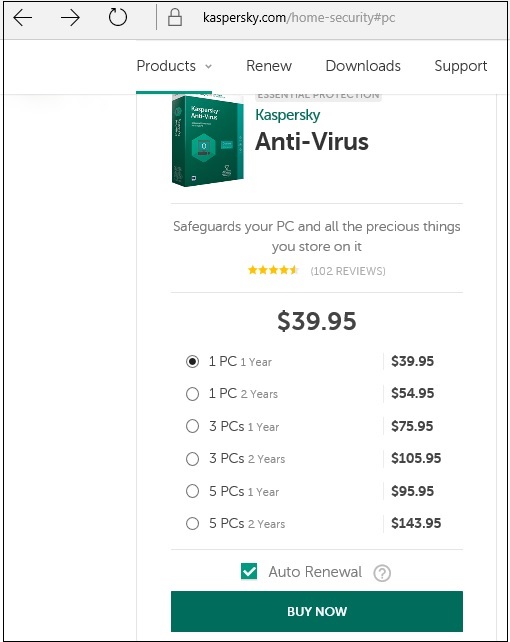
Another one of the Top antiviruses is Kaspersky Endpoint Security 10, which can be downloaded from − www.kaspersky.com but as it is one of the best, it has only commercial versions for releases.
Some of its most significant features are given below −
- Antivirus scan engine
- Firewall
- Mail scanner
- Web antivirus
- System Watcher
- Network Attack Blocker
- Messenger Scanner
Download and Install
To download and install the Kaspersky Endpoint Security 10 antivirus, we should follow the steps given below.
Step 1 − To download the trial version, we should click on the following link − https://www.kaspersky.com/small-to-medium-business-security/endpoint-windows

Step 2 − To start the installation, we should click on the .exe file that is downloaded.

Step 3 − The next step is to click on the Next button → click on Unpack.

Step 4 − After the Installation, the following console will be opened on your screen.

Step 5 − To start the scanning, we should right click on Start Scanning.
