
- TensorFlow - Home
- TensorFlow - Introduction
- TensorFlow - Installation
- Understanding Artificial Intelligence
- Mathematical Foundations
- Machine Learning & Deep Learning
- TensorFlow - Basics
- Convolutional Neural Networks
- Recurrent Neural Networks
- TensorBoard Visualization
- TensorFlow - Word Embedding
- Single Layer Perceptron
- TensorFlow - Linear Regression
- TFLearn and its installation
- CNN and RNN Difference
- TensorFlow - Keras
- TensorFlow - Distributed Computing
- TensorFlow - Exporting
- Multi-Layer Perceptron Learning
- Hidden Layers of Perceptron
- TensorFlow - Optimizers
- TensorFlow - XOR Implementation
- Gradient Descent Optimization
- TensorFlow - Forming Graphs
- Image Recognition using TensorFlow
- Recommendations for Neural Network Training
TensorFlow - Installation
To install TensorFlow, it is important to have Python installed in your system. Python version 3.4+ is considered the best to start with TensorFlow installation.
Consider the following steps to install TensorFlow in Windows operating system.
Step 1 − Verify the python version being installed.
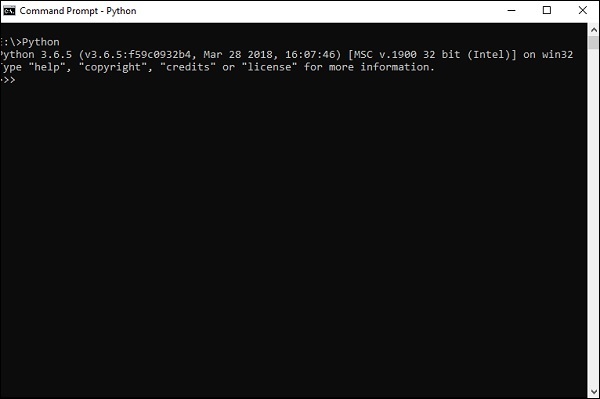
Step 2 − A user can pick up any mechanism to install TensorFlow in the system. We recommend pip and Anaconda. Pip is a command used for executing and installing modules in Python.
Before we install TensorFlow, we need to install Anaconda framework in our system.
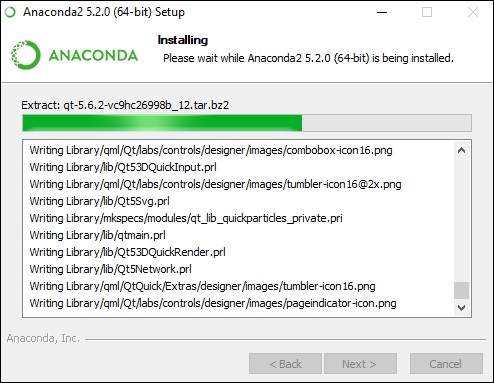
After successful installation, check in command prompt through conda command. The execution of command is displayed below −
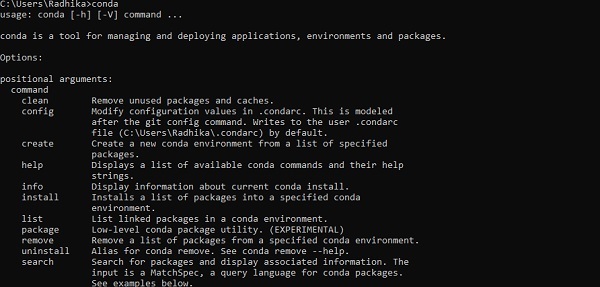
Step 3 − Execute the following command to initialize the installation of TensorFlow −
conda create --name tensorflow python = 3.5
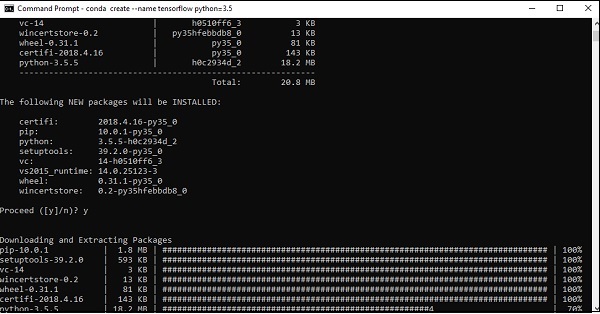
It downloads the necessary packages needed for TensorFlow setup.
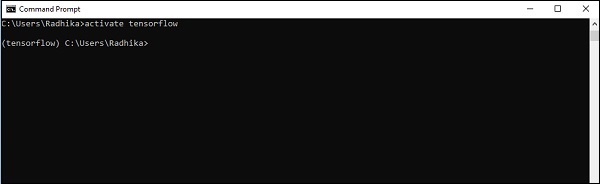
Step 4 − After successful environmental setup, it is important to activate TensorFlow module.
activate tensorflow
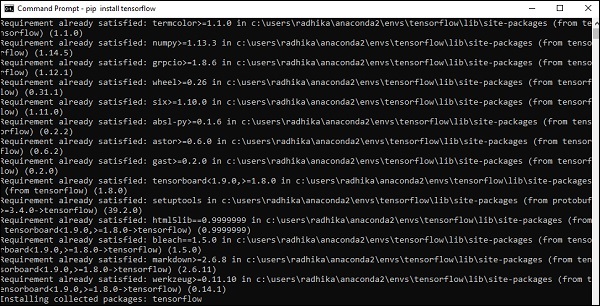
Step 5 − Use pip to install Tensorflow in the system. The command used for installation is mentioned as below −
pip install tensorflow
And,
pip install tensorflow-gpu
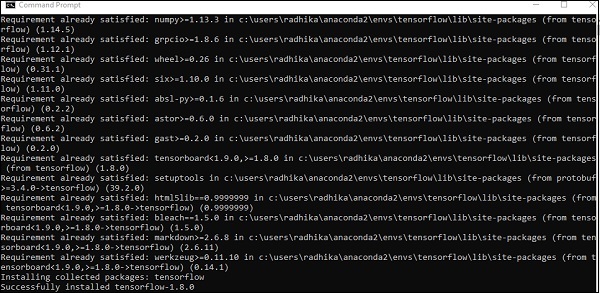
After successful installation, it is important to know the sample program execution of TensorFlow.
Following example helps us understand the basic program creation Hello World in TensorFlow.
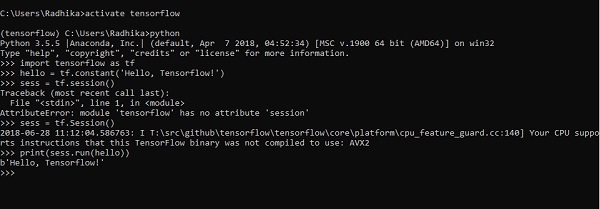
The code for first program implementation is mentioned below −
>> activate tensorflow
>> python (activating python shell)
>> import tensorflow as tf
>> hello = tf.constant(Hello, Tensorflow!)
>> sess = tf.Session()
>> print(sess.run(hello))