
Article Categories
- All Categories
-
 Data Structure
-
 Networking
-
 RDBMS
RDBMS
-
 Operating System
-
 Java
Java
-
 MS Excel
-
 iOS
iOS
-
 HTML
HTML
-
 CSS
CSS
-
 Android
-
 Python
-
 C Programming
-
 C++
C++
-
 C#
C#
-
 MongoDB
-
 MySQL
MySQL
-
 Javascript
-
 PHP
PHP
Selected Reading
How to convert a .wav file to a spectrogram in Python3?
To convert a .wav file to a spectrogram in python3, we can take the following steps −
Load a .wav file from local machine.
Compute a spectrogram with consecutive Fourier transforms using spectrogram() method.
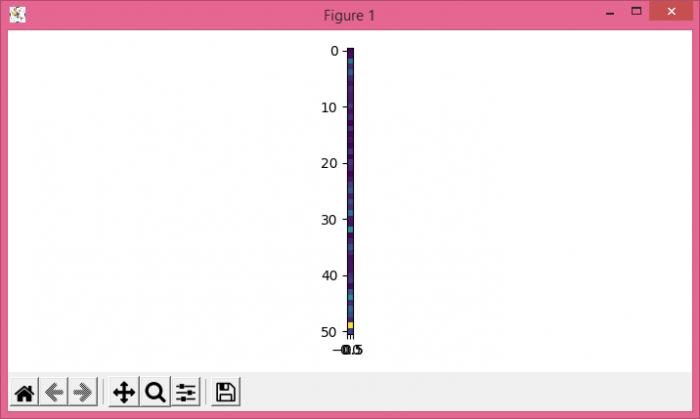
Create a pseudocolor plot with a non-regular rectangular grid using pcolormesh() method.
Use imshow() method with spectrogram.
To display the figure, use show() method.
Example
import matplotlib.pyplot as plt
from scipy import signal
from scipy.io import wavfile
plt.rcParams["figure.figsize"] = [7.00, 3.50]
plt.rcParams["figure.autolayout"] = True
sample_rate, samples = wavfile.read('test.wav')
frequencies, times, spectrogram = signal.spectrogram(samples, sample_rate)
plt.pcolormesh(times, frequencies, spectrogram, shading='flat')
plt.imshow(spectrogram)
plt.show()
Output

Updated on: 2021-05-11T12:25:40+05:30
2K+ Views

Advertisements